
Step 1: Create a CHC Account
Register for offsite access with CHC Account (powered by OpenAthens).
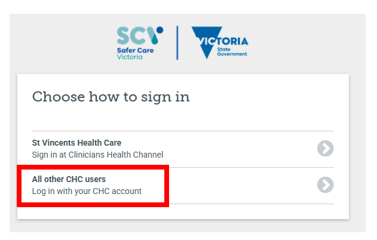
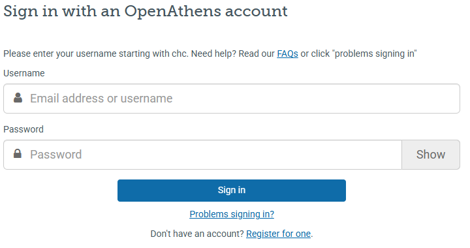
Step 2: Choose the resource you would like to use and login using your CHC account
Troubleshooting specific resources
1. LexiDrug
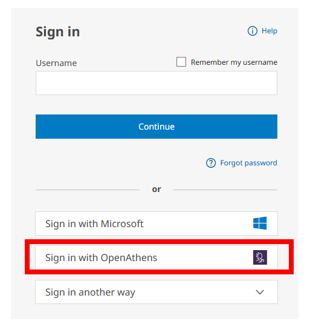
If access via the Clinician’s Health Channel website is not working click on the Sign in with OpenAthens link.
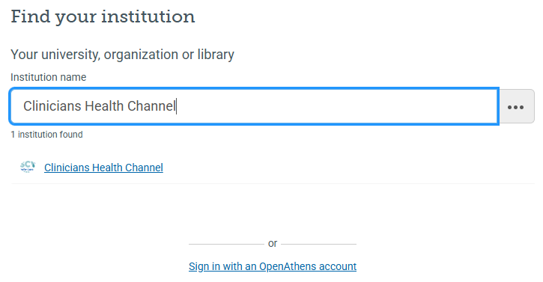
Then search ‘Clinicians Health Channel’ and add in your CHC credentials.
Additional Information
If the issues above are still persisting or do not work, try using a hotspot or your mobile device to access via the CHC website as known issues are related to IP addresses.